The 5 steps
- Write down your income for the month. If you're paid twice a month, add both paychecks.
- Split your income into categories. A common guideline is 50/20/20/10: needs, savings, wants and debts.
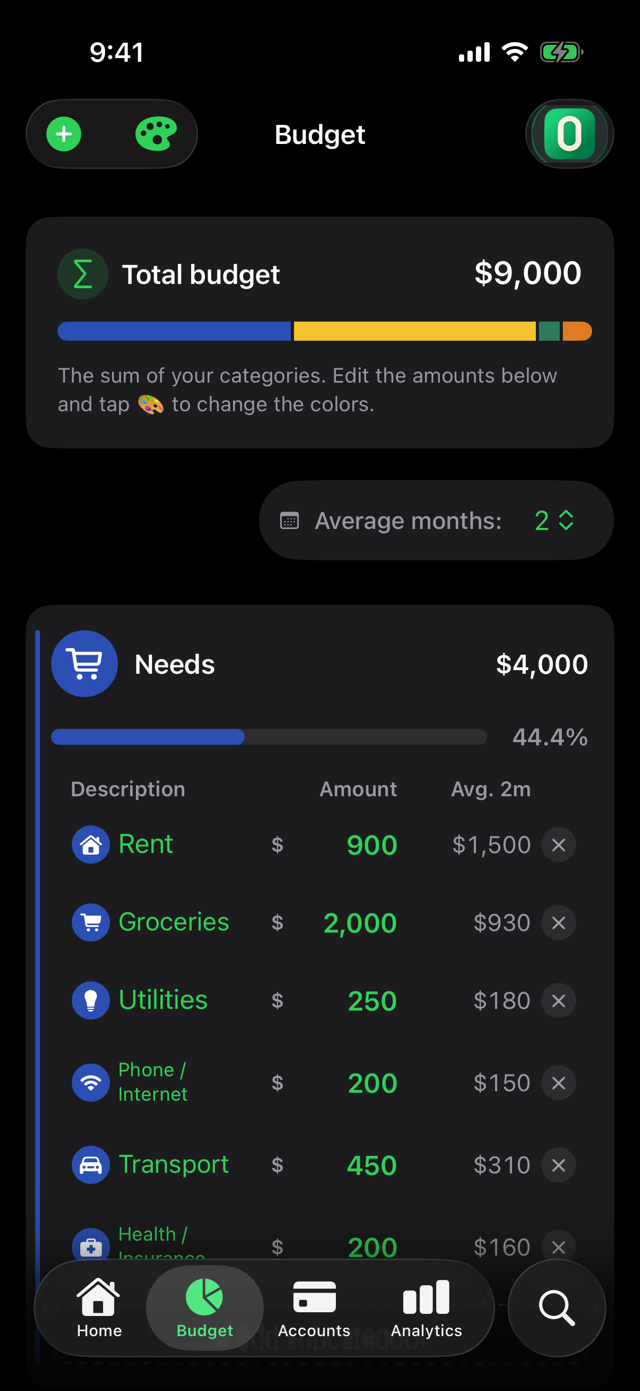
- Divide each category into subcategories. For example, under needs: rent, groceries, utilities and transport.
- Log your expenses as they happen. That way you can see what's left in each category.
- Review at the end of the month and adjust. If a category fell short, raise it next month and lower another.
How ZeroBudget does it
In ZeroBudget you assign your income to categories using the 50/20/20/10 guideline, and the budget bar shows how much you've allocated. When you assign exactly 100%, the bar turns green: that's your zero.
After that, every expense you log is subtracted from its category and you can follow your progress in the Heatmap.
Try it on your iPhone
Free to start. The first 30 days include every Pro feature, with no card and no account: your data stays on your phone.
Download on theApp Store